
Skip to homepage content
PICGLEAM · IMAGES / VIDEO / INFINITE CANVAS

Keep your ideas moving.

Explore product imagery, brand visuals, and video with AI.

SubscribeLoading account

Featured results

See what you can make, then open the case to see its inputs and workflow.

Creative tools

From an image to a video, choose where to begin.

Product listingsFrom product displays to channel contentInfinite canvasConnect assets, ideas, and possibilities

Find your next step in real examples.

Explore results, then the inputs and process behind them.

All scenes
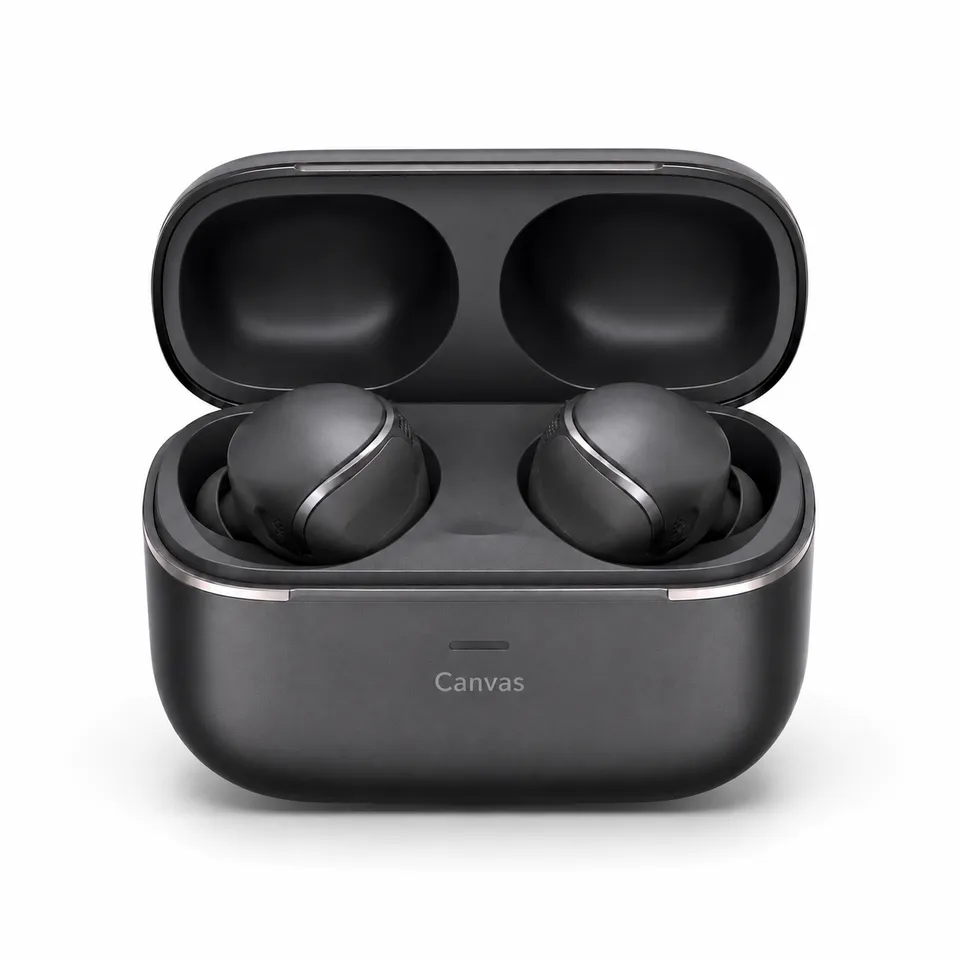
Amazon white-background hero5 output examples

A complete Amazon Listing image set

Create five Amazon Listing product images for Canvas Air wireless earbuds. Stay within visible product facts while presenting a white-background hero, physical states, conceptual wearing angles, commuting context, and confirmed items.

1 reference image and product information
Vertical wrist-spray keyframeStatic planning examples

Tell a fragrance story through light and shadow

Use Canvas Still Air product images and person-and-space references to create atmospheric stills, action comparisons, and a continuous six-panel storyboard without fragrance-note or efficacy claims. Environmental materials serve only as visual metaphors, not fragrance facts.

2 reference images and product information
Vertical cover and end framesStatic planning examples

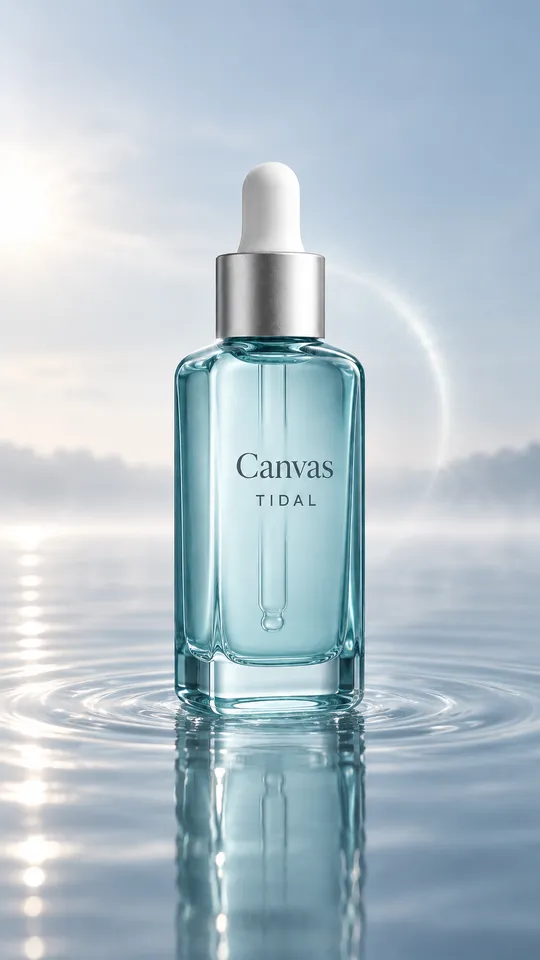
Cinematic serum advertising assets

Use Canvas Tidal product images and a reference board to create cinematic stills and a continuous six-panel storyboard for an 8-second concept in one “Tidal Morning Light” direction. Show only product identity, actions, and immediately observable texture.

2 reference images and product information
Desktop hero6 output examples

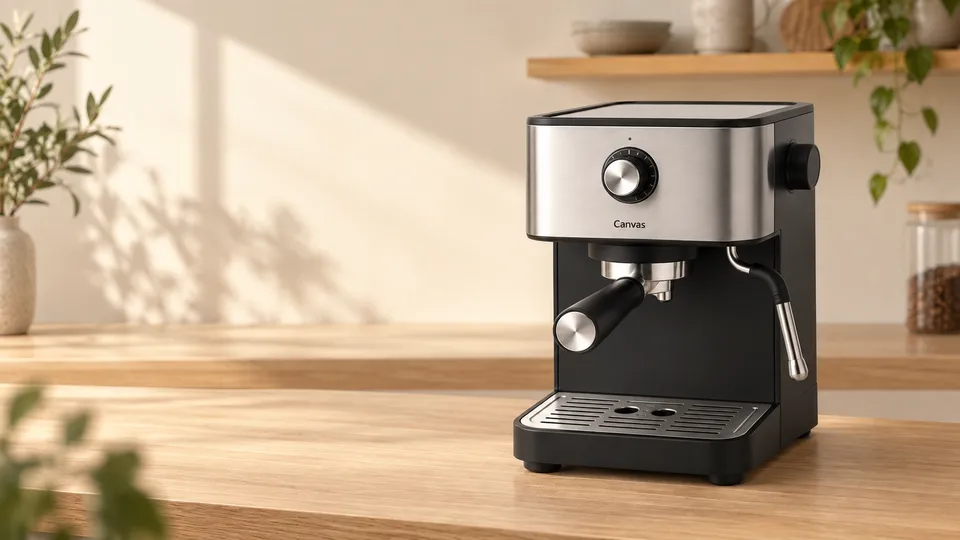
A Shopify product page visual system

Build a Shopify PDP visual system for the Canvas Crema countertop coffee machine, with separate desktop and mobile adaptations. Support product presentation with visible structure, immediate preparation states, morning context, and limited maintenance actions.

1 reference image and product information

TikTok opening hookStatic planning examples

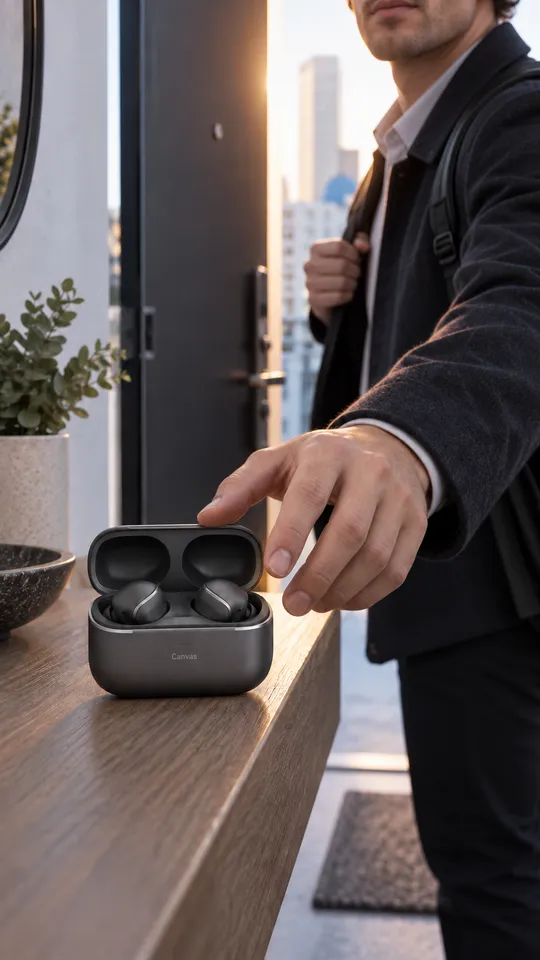
Meta and TikTok creative assets and adaptations

Create Canvas Air advertising assets for Meta and TikTok around leaving home, taking out the earbuds, wearing them, commuting, and putting them away. Show product appearance and real usage actions without presenting those actions as performance or efficacy claims.

1 reference image and product information

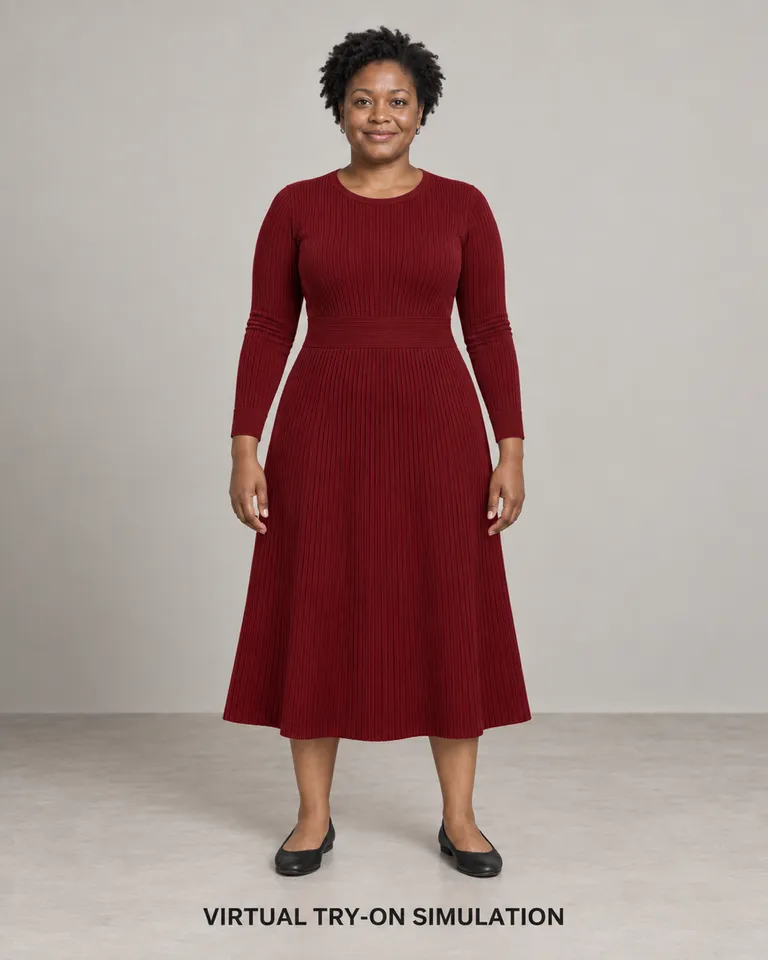
Standard virtual try-on7 output examples

More ways to wear the same garment

Use the burgundy Canvas Form fine-ribbed knit dress, material details, and three adult Western women as references to create standard virtual try-on, body-type comparisons, multiple views, dimensions, details, North American commuting, and size guides. All wearing results are visual simulations and do not establish actual fit, comfort, stretch, shaping, or size suitability.

3 reference images and product information
North American lifestyle sceneStatic planning examples

Good furniture deserves a fitting setting

Use Canvas Haven product masters, upholstery references, and North American/European room references as the only visual sources. Preserve the jewel-blue three-module sofa, cream-white bouclé exterior and base, and two bright orange cushions while creating PDP product images, material details, dimension-planning graphics, regional lifestyle scenes, room comparisons, and static video storyboards. Do not invent dimensions, comfort, durability, or material certifications.

3 reference images and product information
Brand story banner5 output examples

Beauty brand and usage storytelling for Amazon A+

Build an Amazon A+ brand and usage narrative for Canvas Brightening Serum. Convey the brand through visible packaging and neutral everyday actions, without turning example imagery into claims about ingredients, instructions, or efficacy.

1 reference image and product information
ONE PRODUCT. MORE POSSIBILITIES.

One set of product assets.
More ways to express it.

Tell a fragrance story through light and shadow: establish a visual direction, then explore different scenes. Check product details in every result.

Explore the full process
Vertical wrist-spray keyframe
Vertical wrist-spray keyframe · Static visual example
A LITTLE INPUT. A NEW DIRECTION.

From an idea to something you can see.

Start with a small step. Build up your creative process as you go.

01

Bring your product and ideas

Prepare clear references and accurate information, then describe the image you need.

02

Choose your direction

Choose a model and settings, then review your assets and cost on the generation page before submitting.

Explore image creation
03

Give good ideas room to grow

Organize assets, prompts, and versions on an infinite canvas to keep your creative context.

Open the canvas

Start in the way that works for you.

Review the cost before submitting. You stay in control.

Use platform models

Explore platform models and use credits at the quoted price. Costs vary by model, size, duration, and quantity; confirm the amount on the generation page.

View subscription plans

Connect your own provider

Configure a provider to use its supported models. The provider bills separately and determines capabilities, available quota, and data handling.

Configure a provider
BEFORE YOU START

Before you begin,
a few things to know.

Help and feedback
What materials should I prepare?

Start with a creative brief. To preserve a product's appearance, prepare clear product images and accurate product information. Support for people, spaces, or first and last frame references depends on the model. Each scene explains the inputs it needs.

Will “Continue creating” on the homepage charge me?

No. The homepage saves your description, references, and settings, then takes them to the image or video generation page. You must review the model, assets, and cost there and explicitly submit a generation task.

How do platform credits differ from using my own provider?

Platform models use credits at the price shown on the generation page. With your own configured provider, that provider determines the available models and costs. The platform does not switch between these options automatically.

Are the example storyboards playable videos?

Static storyboards and keyframes help plan shots; they are not finished videos. To create a video, open video creation and generate it separately with a model that supports your inputs.

Can I use generated results directly in a product listing?

Check the product appearance, specifications, text, trademarks, and platform rules for every result. Models can make mistakes, and examples do not guarantee the same results for your product. Do not treat generated content as verified product facts.

How are uploaded assets and drafts handled after sign-in?

Only use assets you have the right to process. Homepage drafts are saved in this browser and transferred to the current account when you continue. Generation requests send the required content to the selected provider. Avoid leaving sensitive assets on shared devices and review your provider's data handling terms.

Make your next idea visible.

Start with an image, or prepare the first frame of a moving story.

Loading scene details…